Category
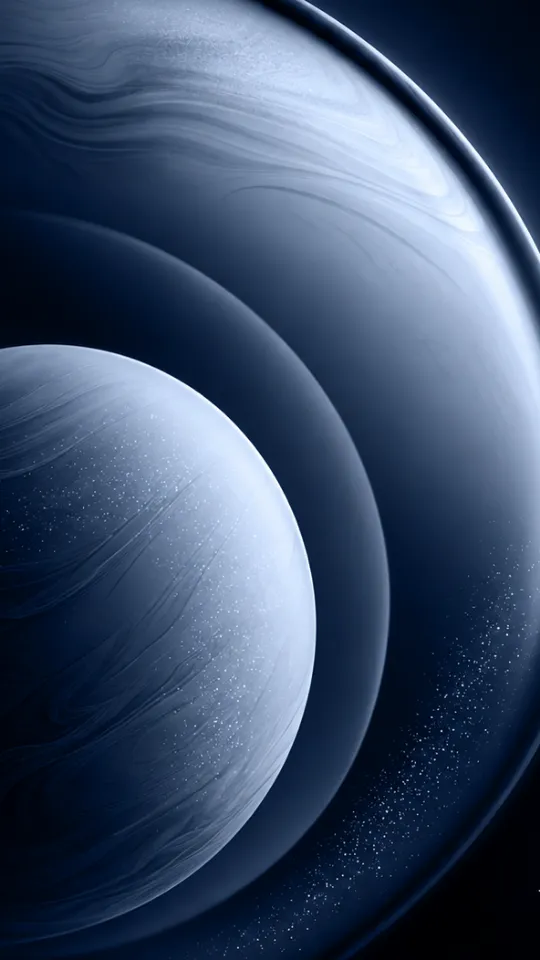
iOS Inspired Wallpapers
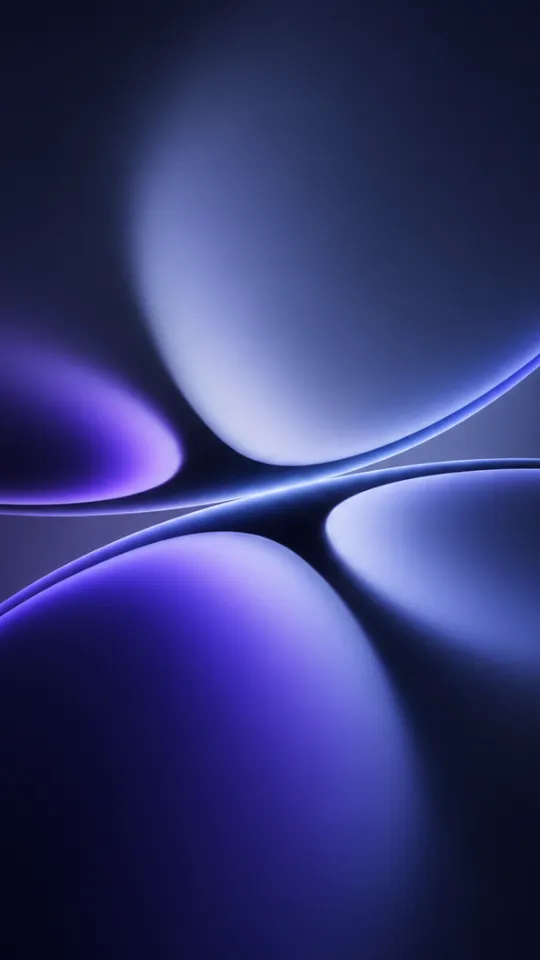
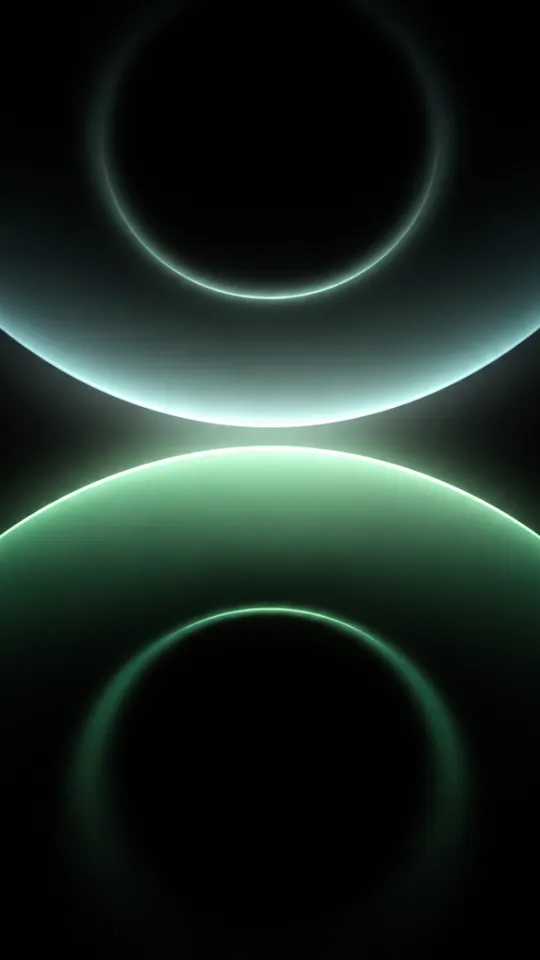
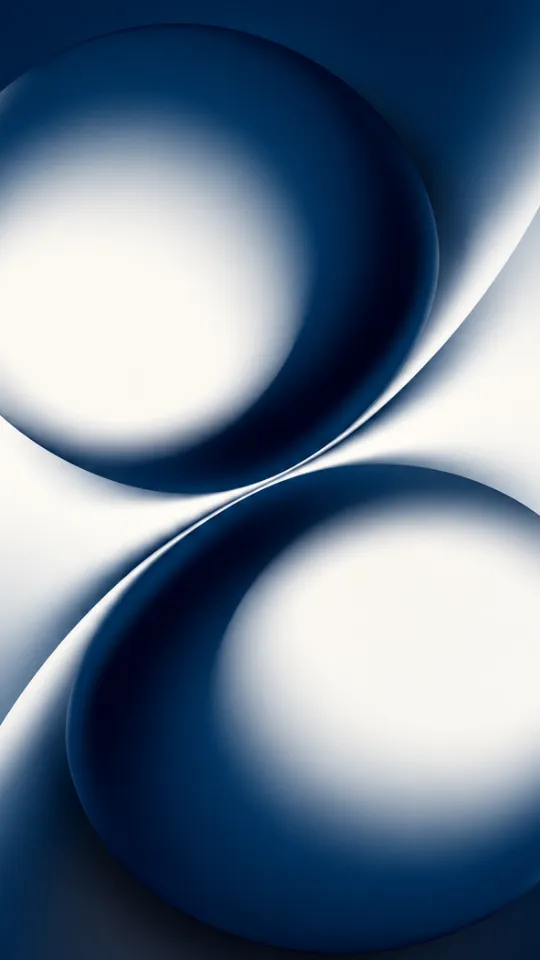
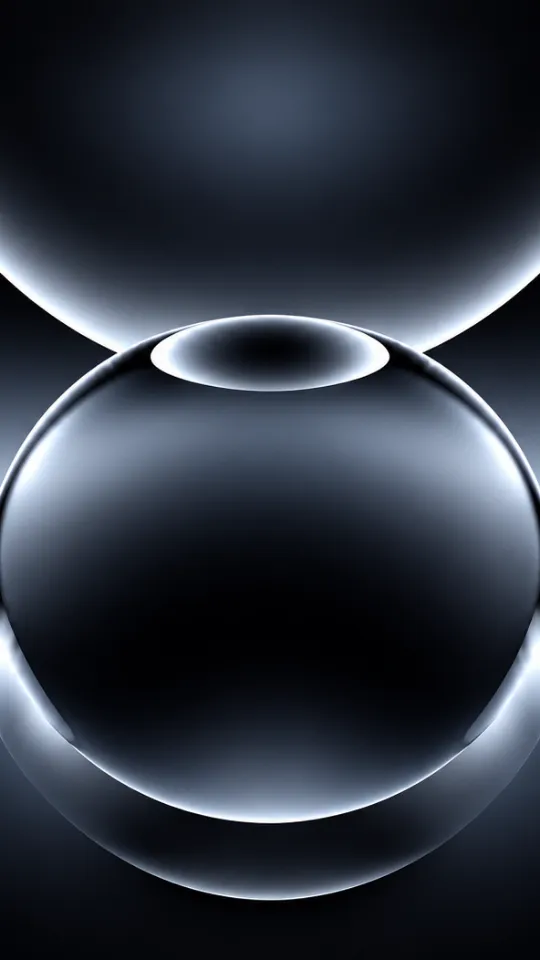
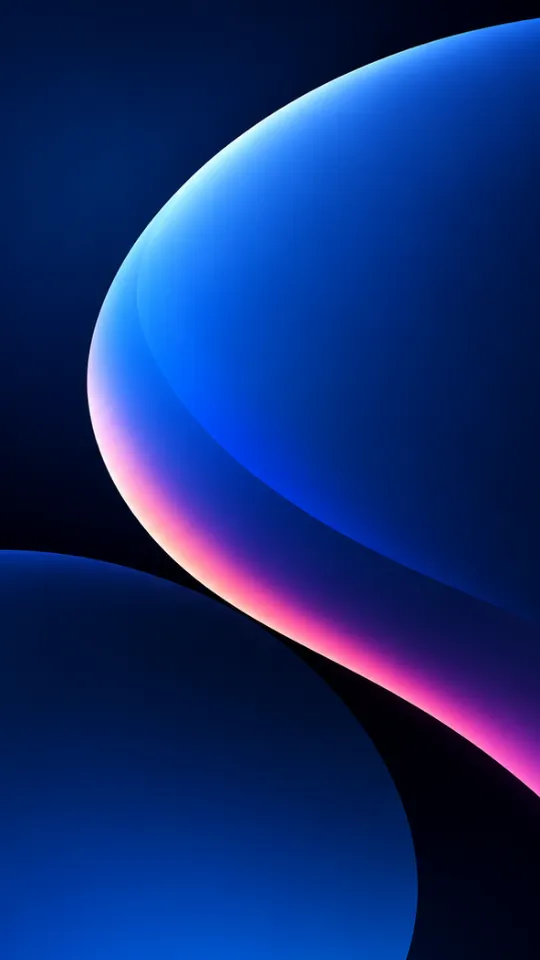
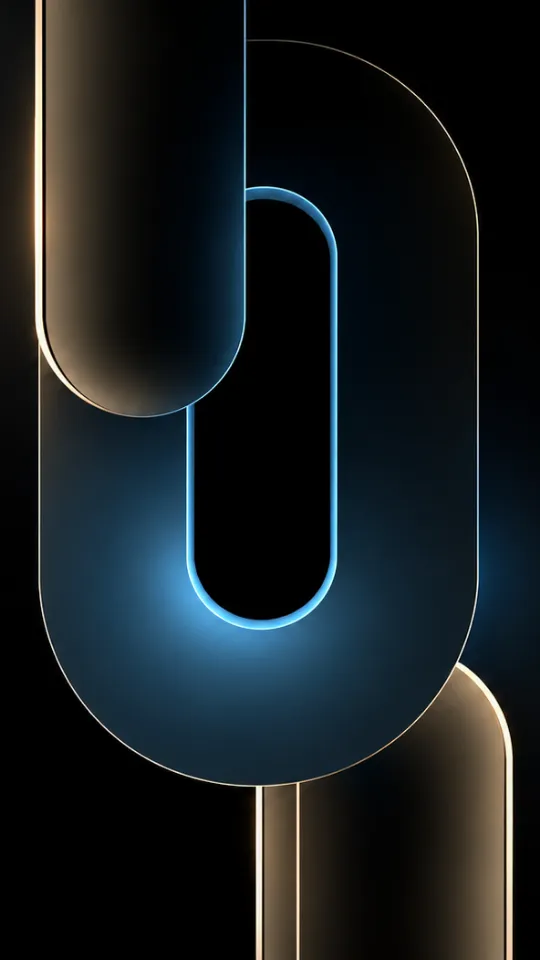
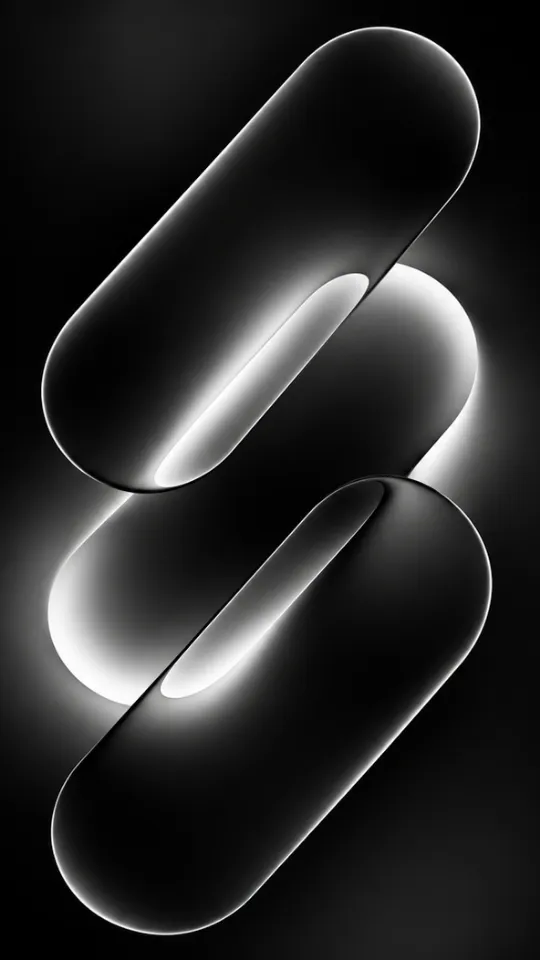
Discover premium iOS-inspired wallpapers featuring elegant gradients, smooth glass effects, abstract shapes, vibrant colors, and clean Apple-style aesthetics. Perfect for giving your iPhone a modern, minimal, and polished look.
Guide: Glass, gradients and orbs: what makes a wallpaper feel like iOS
Check gradients and glass at the size you will use
Glass shapes and smooth gradients can look simple in a thumbnail while showing rings or compression marks at full size. Open the artwork page and inspect the actual file, particularly broad colour transitions. Saving a screenshot or repeatedly re-encoding a downloaded picture can introduce artefacts that were not visible in the gallery preview.
Treat bright orbs and glass edges as focal points when framing. An orb near the edge may disappear on the outer crop; a broad highlight behind app names may reduce readability. Compare the two previews, leave a calm region behind the clock and choose the file whose dimensions suit your screen. An iOS-inspired design describes a visual style, not an official Apple wallpaper.
Use the wallpaper maker to reposition the crop from your own image. Then use the checks below to compare fit and text contrast before applying it.
Check a design before you use it
- Test clock and app-label contrast
Compare light and dark text on your photo, then export a dimmer background.
- Check cropping and download quality
Calculate how much of a photo fits and troubleshoot a soft or missing download.