Category
Landscape Wallpapers
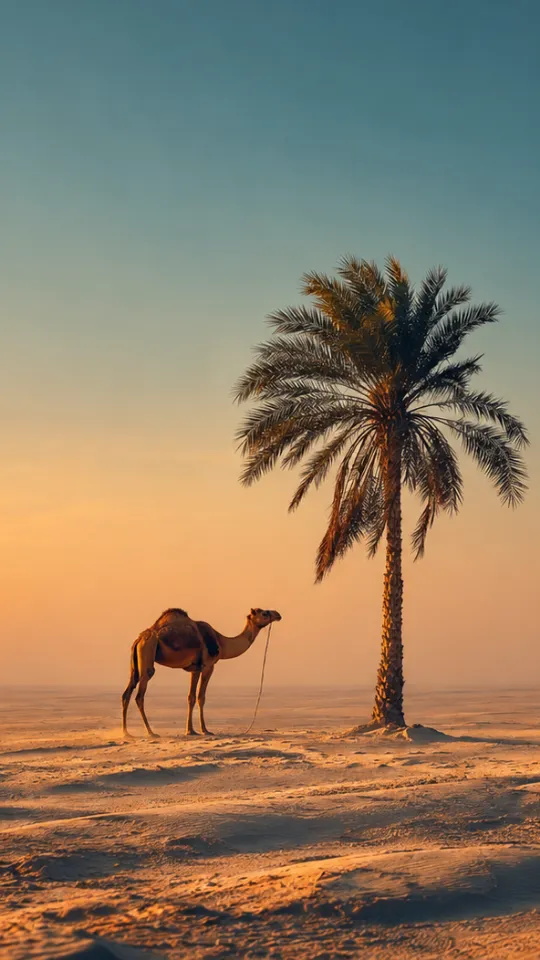
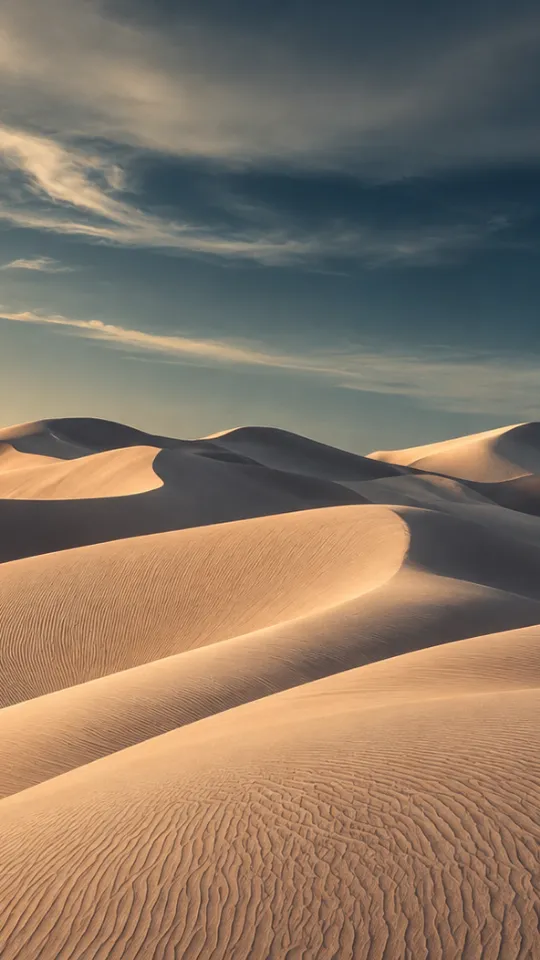
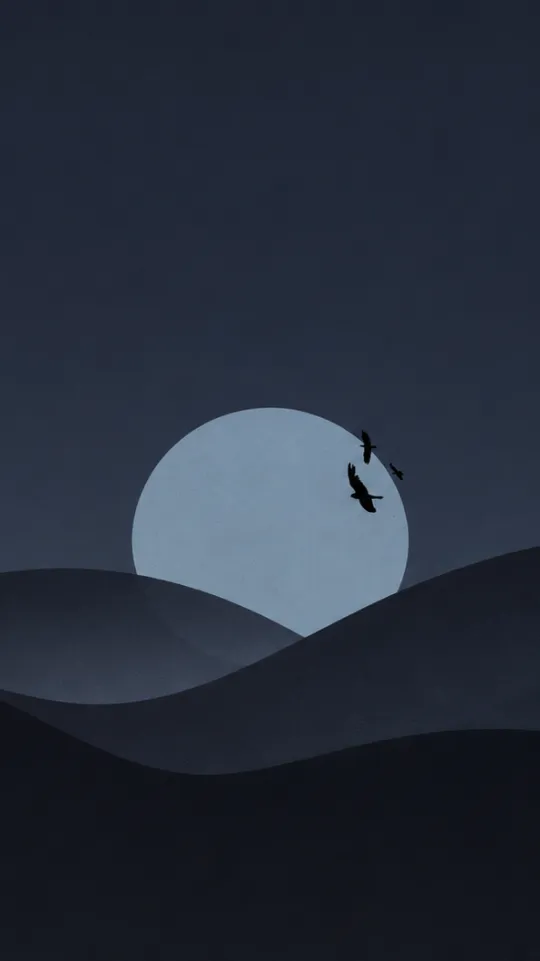
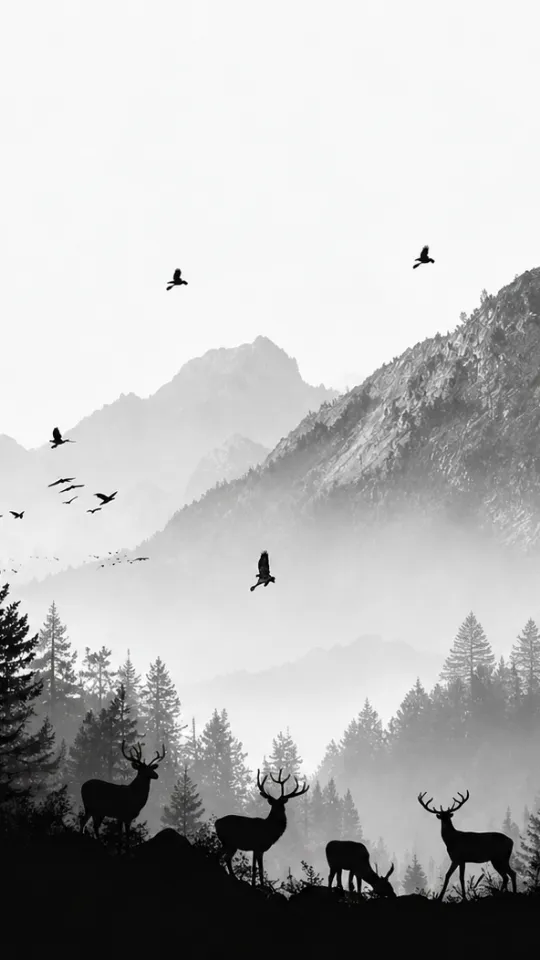
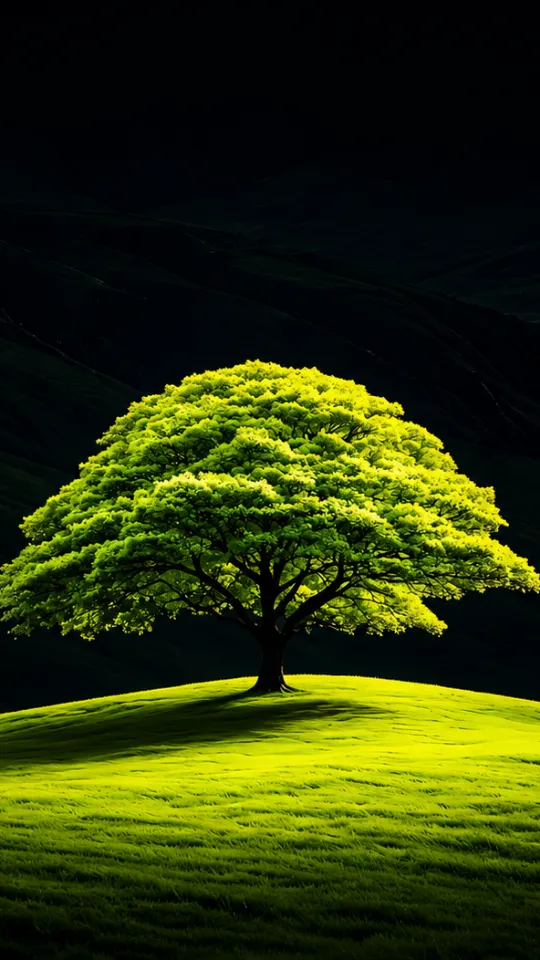
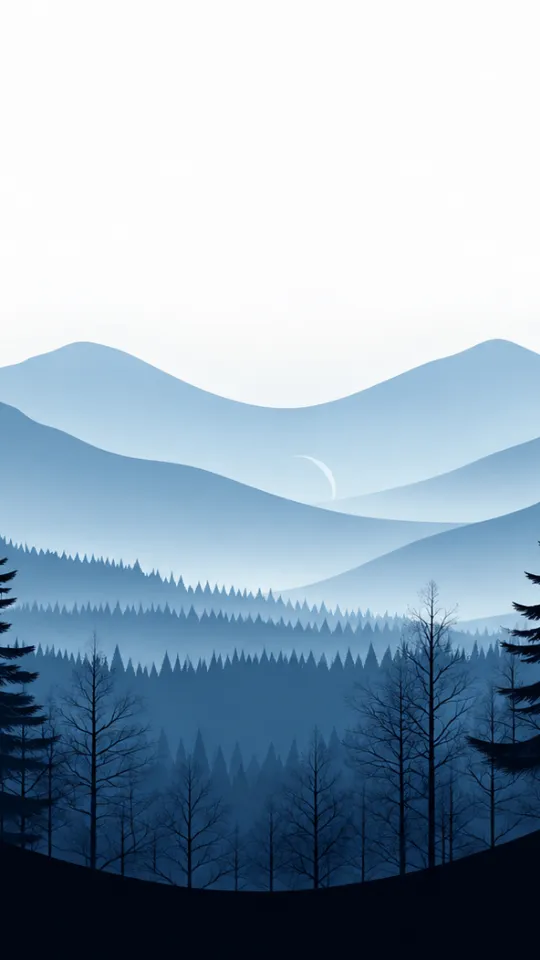
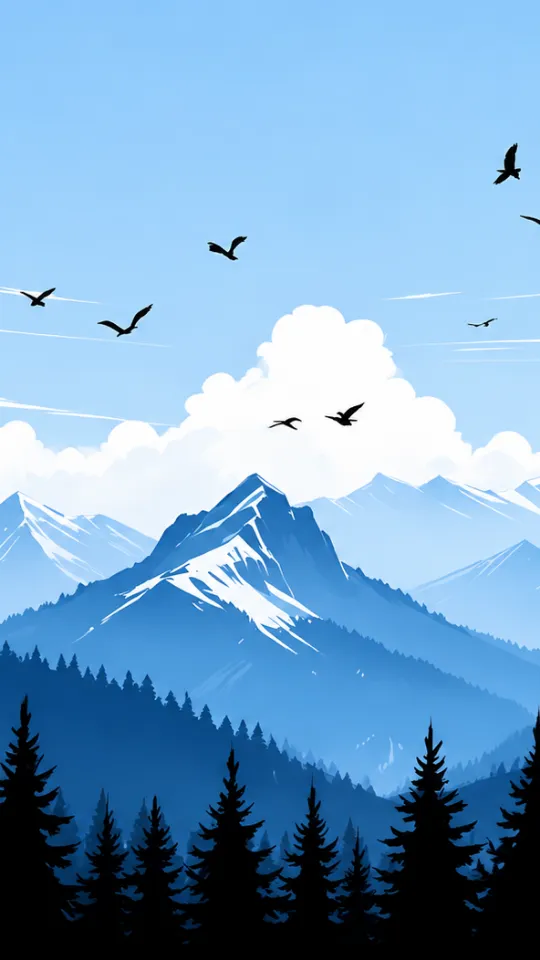
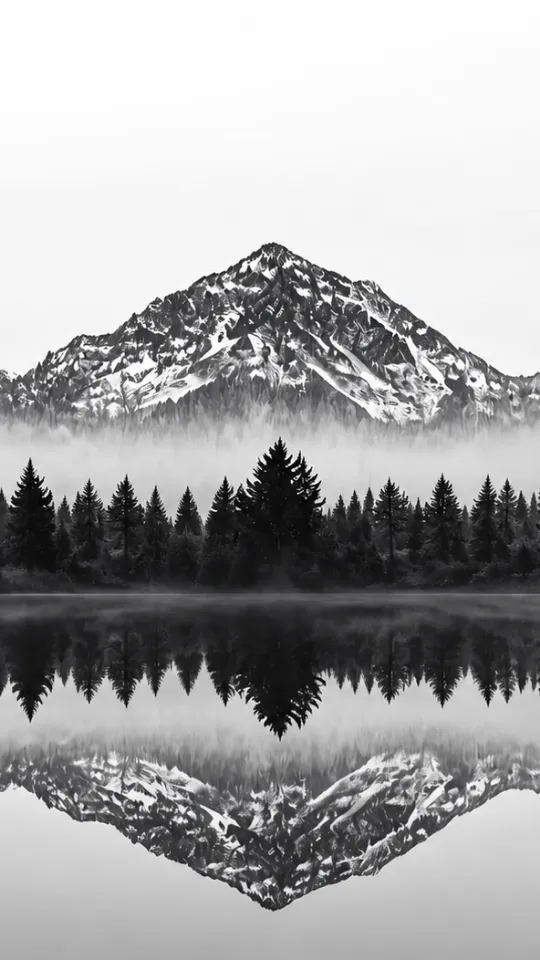
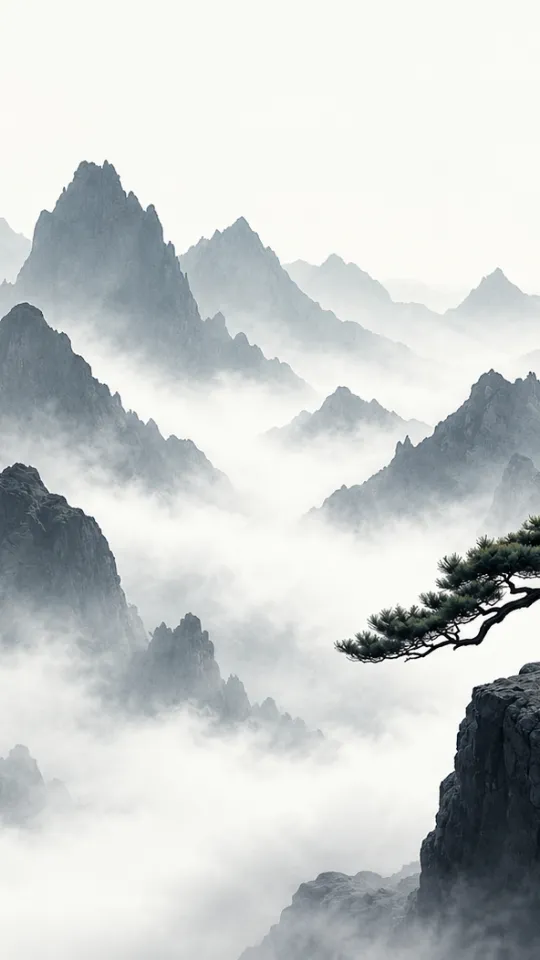
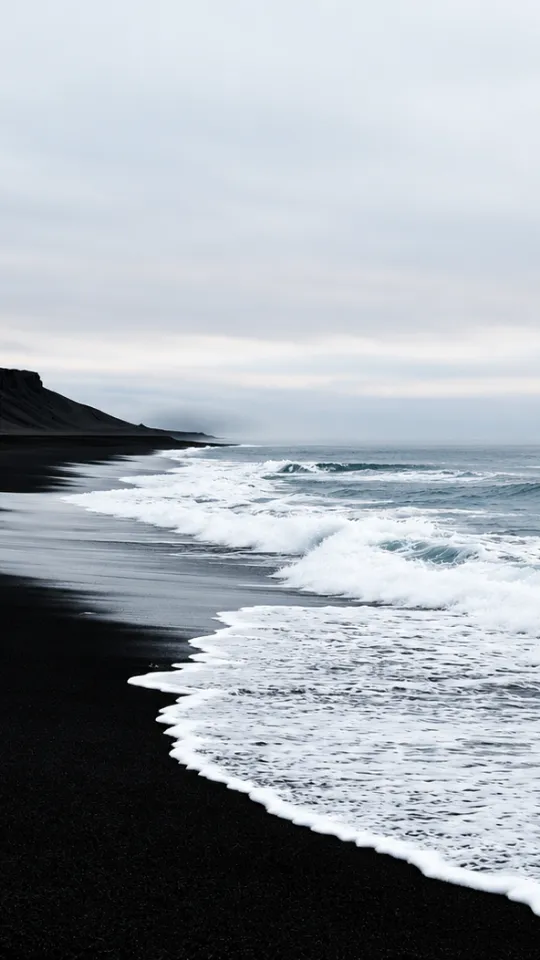
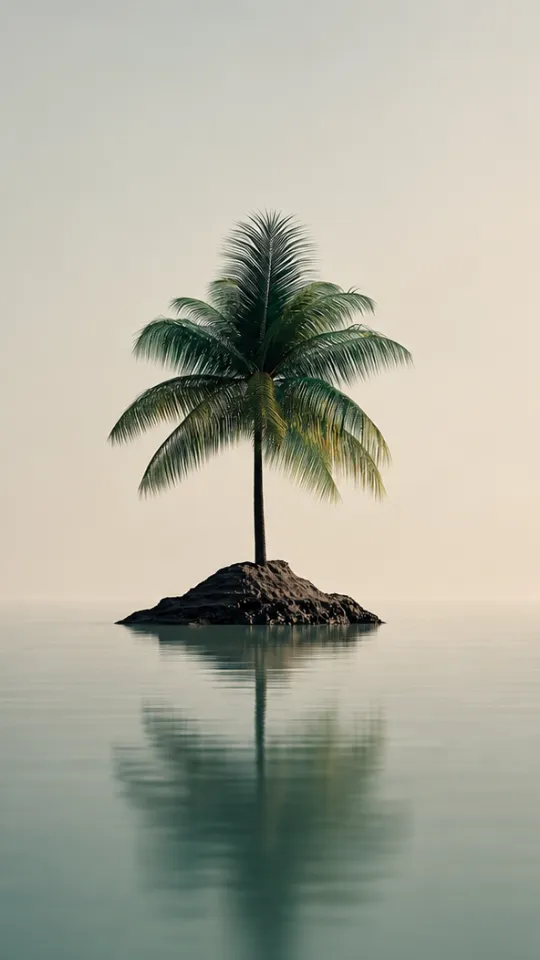
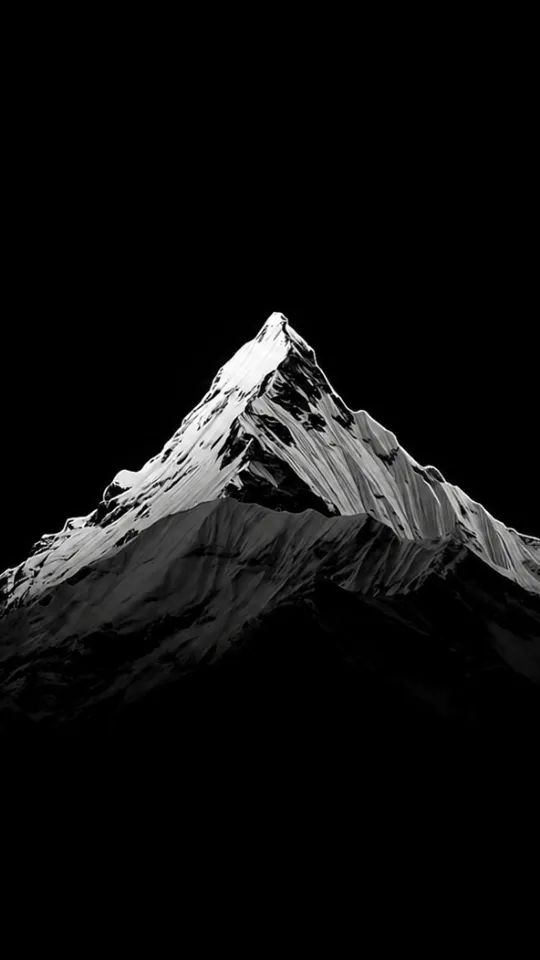
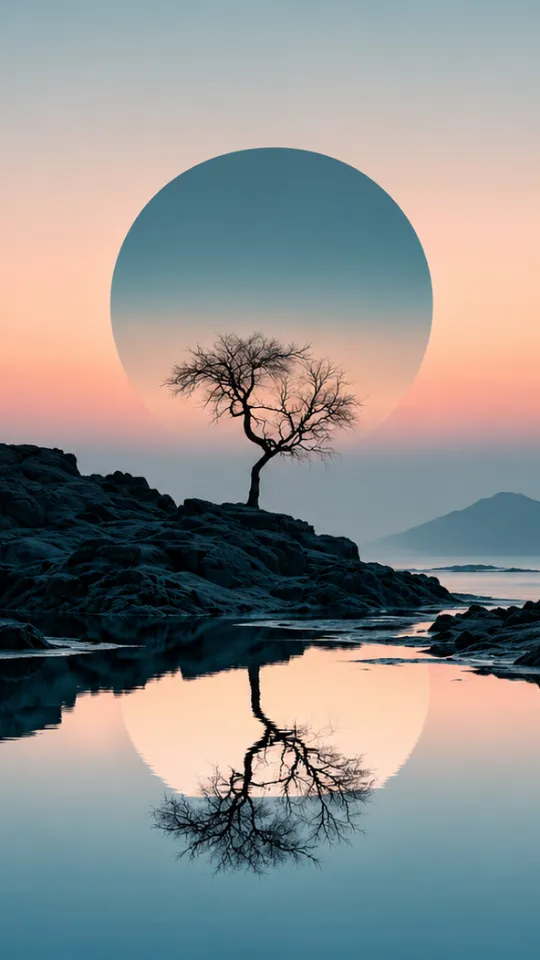
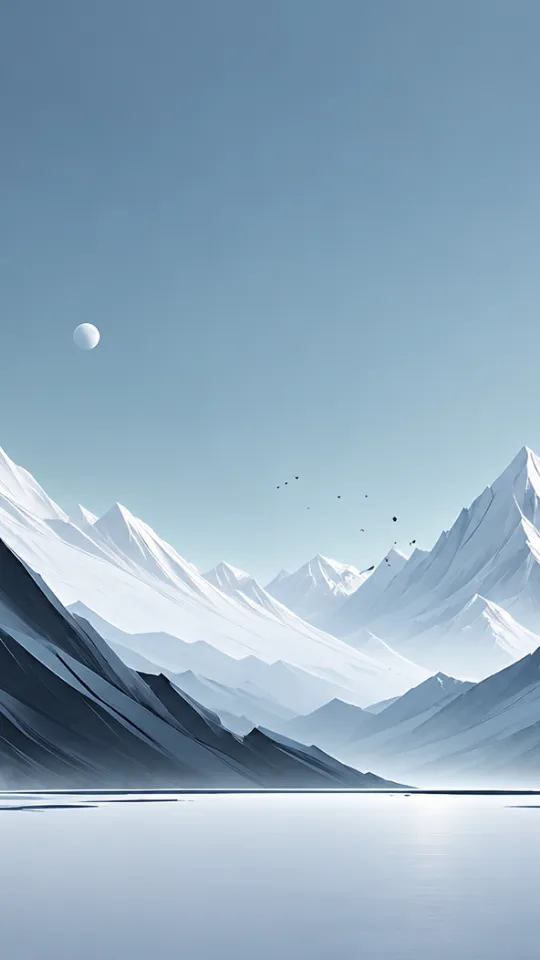
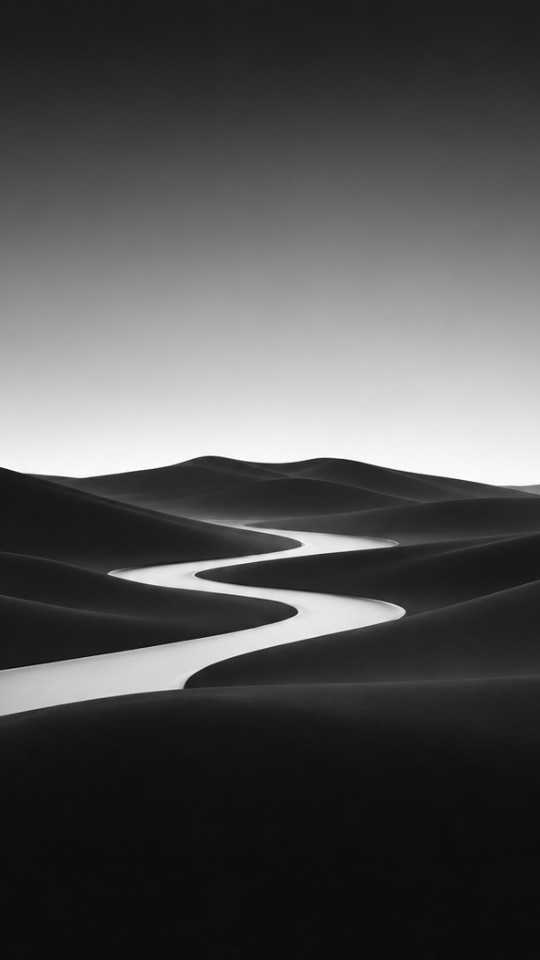
Landscape wallpapers for iPhone Duo: desert dunes, snowy peaks, misty mountains, quiet beaches and lone trees under the moon, framed for the outer and inner displays.
Guide: Apple's own iPhone Duo wallpaper is a landscape too: desert dunes in light and dark
Choose a horizon that survives both crops
A landscape photograph often places its story across the width: a mountain on one side, a tree on the other and a path between them. The outer screen may keep only the middle of that scene. Choose which subject matters before moving the crop, and check that a coastline, summit or lone tree is not clipped at the edge.
On the inner display, inspect the horizon and the fold position together. A tiny subject at the centre can be harder to notice than a broad mountain range or dune. Leave some quieter sky for the clock, and check whether a bright sun sits behind the digits. Start again from the original when making a second crop so you keep as much surrounding scenery as possible.
Use the wallpaper maker to reposition the crop from your own image. Then use the checks below to compare fit and text contrast before applying it.
Check a design before you use it
- Test clock and app-label contrast
Compare light and dark text on your photo, then export a dimmer background.
- Check cropping and download quality
Calculate how much of a photo fits and troubleshoot a soft or missing download.