Category
Minimal Wallpapers
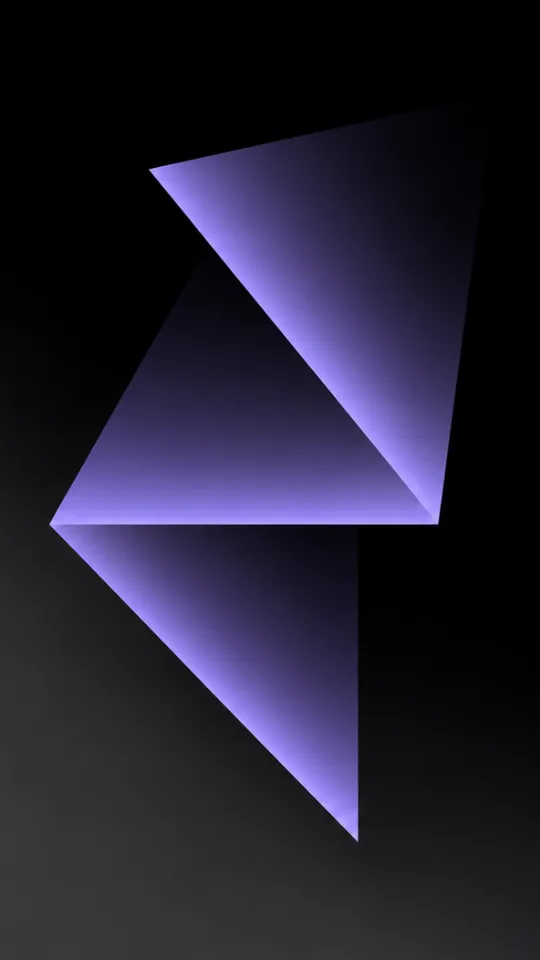
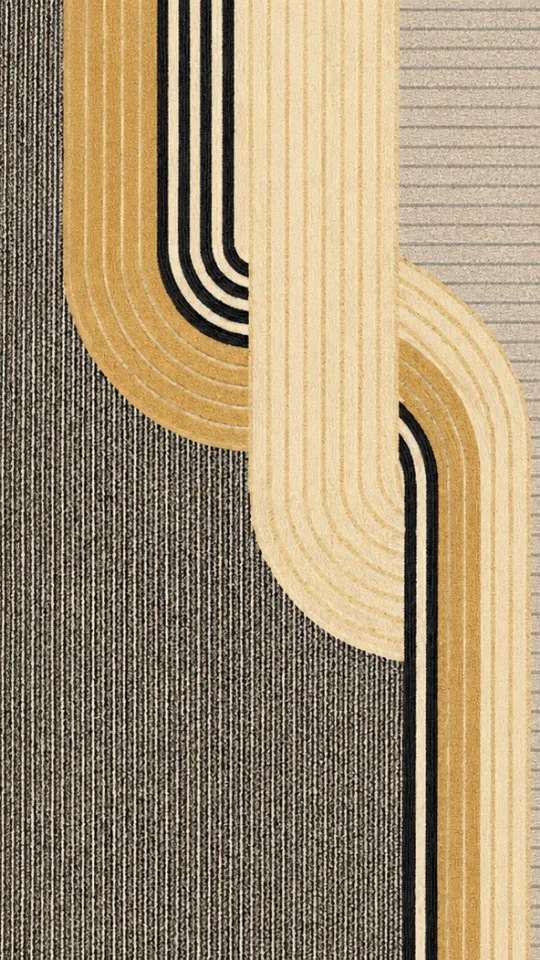
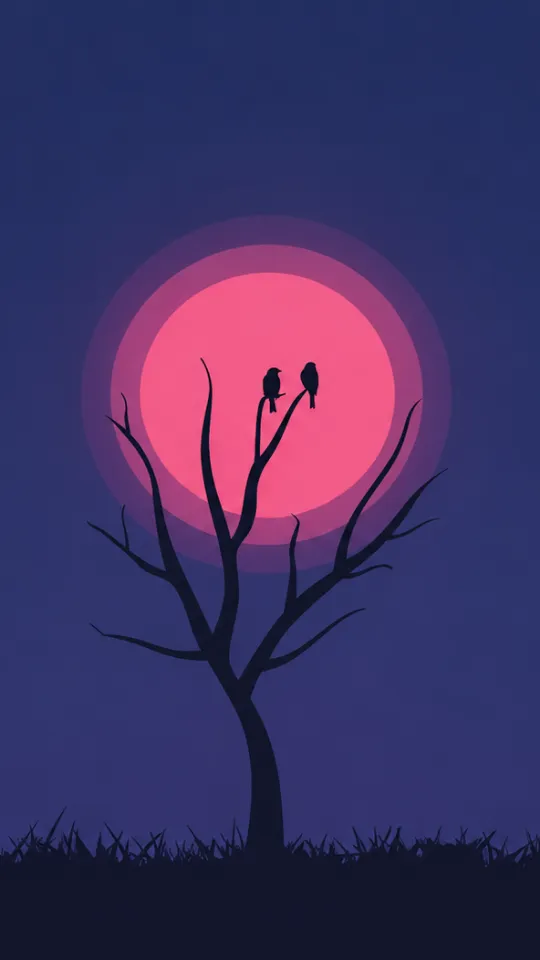
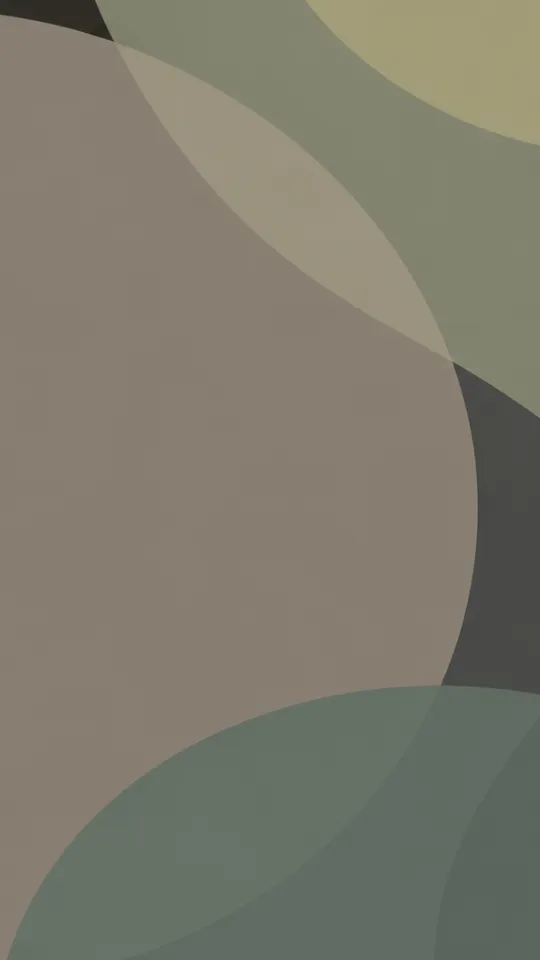
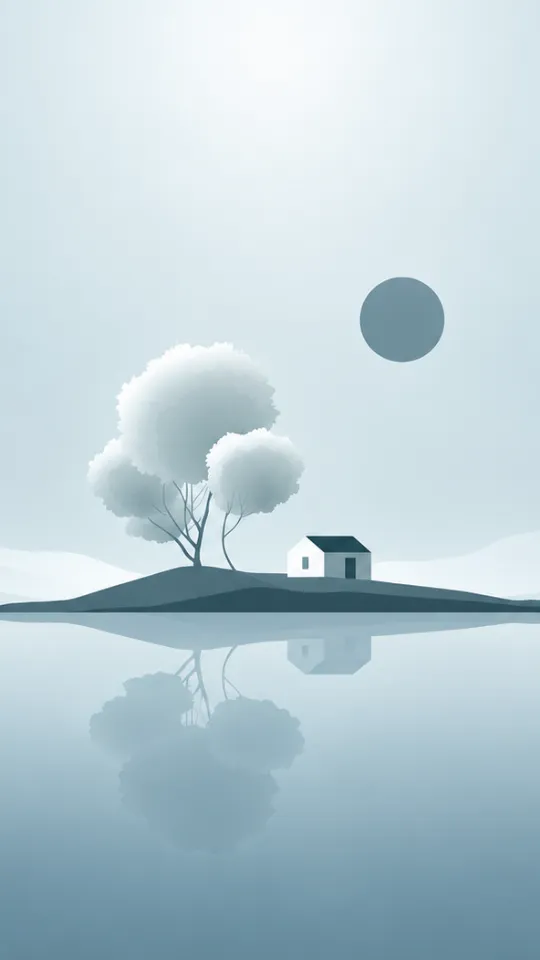
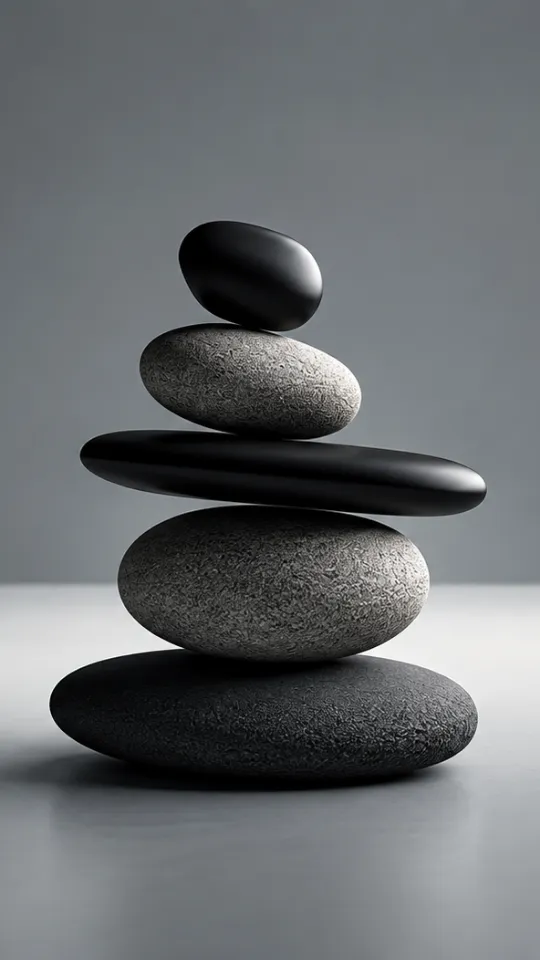
Discover clean and elegant minimal wallpapers designed for iPhone and dual-screen setups. Explore simple compositions, soft gradients, abstract shapes, and distraction-free backgrounds perfect for a modern home screen.
Guide: Why minimal wallpapers make your iPhone easier to use
Use empty space deliberately
Minimal does not have to mean an empty screen. One shape, a soft colour change or a small off-centre subject can give the wallpaper character while leaving room for information. Look at the area behind your most-used widgets and app labels, rather than judging the picture only as a full-screen composition.
Pale backgrounds often suit darker text, while deep backgrounds can suit lighter text; a gradient may need different choices in different areas. Check the clock and app-label regions separately. Keep a small accent away from crop boundaries, and compare the wide and tall versions before downloading. A larger file can improve the available detail, but it cannot fix a focal point hidden under an icon.
Use the wallpaper maker to reposition the crop from your own image. Then use the checks below to compare fit and text contrast before applying it.
Check a design before you use it
- Test clock and app-label contrast
Compare light and dark text on your photo, then export a dimmer background.
- Check cropping and download quality
Calculate how much of a photo fits and troubleshoot a soft or missing download.